What this article is about
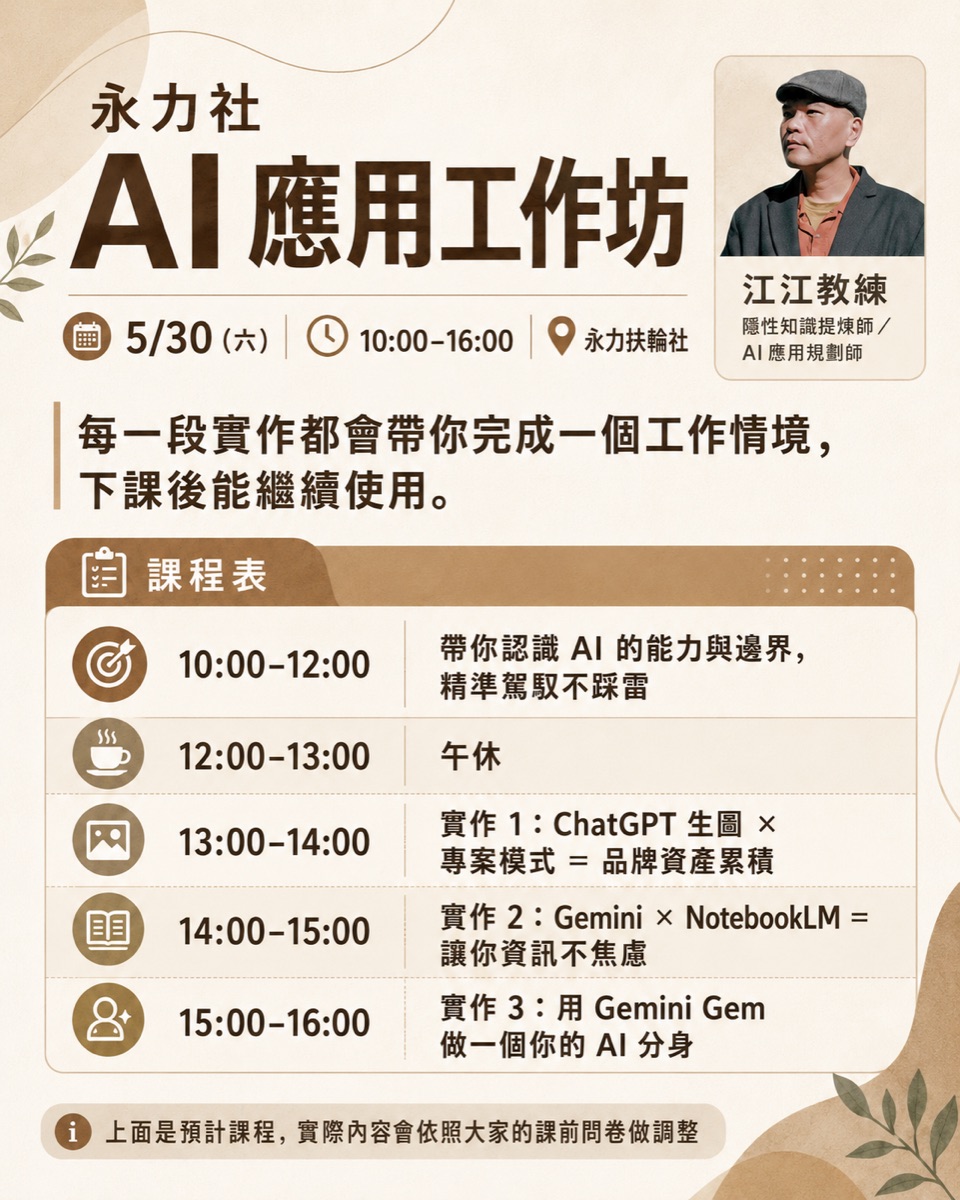
This is the full record of a one-day AI workshop run for business owners at a chamber of commerce. From morning to afternoon, the course moved through thirteen segments, opening with "You don't need to learn AI, because you can never finish learning it" and running all the way to ChatGPT projects, NotebookLM, desktop Agents and skill packages. This article follows the actual teaching order, so that people who weren't there can still walk the same line.
· Business owners and managers who want to know where AI adoption should start
· People who have taken a few AI-tool courses but still don't know how to use them once they're back at work
· People planning AI training for an organization or association who want a reference for how a one-day course is structured
· A complete one-day course route, from concepts to hands-on operation
· The division of labor across four tools: ChatGPT projects, NotebookLM, desktop Agents and skill packages
· Two take-home assignments given on the day, which you can follow along with directly
Morning: dismantle the anxiety first, then understand AI's boundaries
You don't need to learn AI, because you can never finish learning it
The opening was a mindset reset, dismantling the anxiety of "I have to learn every tool." You don't need to memorize how every piece of software works, and you don't need to chase every new tool. What really matters is the judgment call: which things you hand to the system, which you hand to AI, and which responsibilities still have to be confirmed by a human.
Asking the time in a library: AI can generate an answer, but it doesn't necessarily know
The class used a metaphor to explain AI's boundaries: someone is reading in a library with no clock and no phone. Ask him what time it is, and no matter how good he is at reasoning, he can't actually know. He can guess and give an answer that looks reasonable, but that's a different thing from truly knowing.
For business owners, this metaphor boils down to three sentences: AI is good at organizing, translating, generating and reasoning; AI won't automatically know the real information you never gave it; and for AI to become reliable, you have to let it read the data it should read, reach the tools it should reach, and stop where it should stop.
Making your own personal-brand poster: if AI doesn't know you, it makes things up
The morning warm-up exercise was to make a personal-brand poster from your own photo and information. It doubles as the most intuitive demonstration of AI's boundaries: when AI doesn't know your face, your brand or your role, it produces an image that "looks like some kind of professional" but is really someone else.
You have to hand it your material and tell it your role, colors, styling and stance, so it can move from "generically good-looking" toward "looks like you, usable, and something you can build on." This also foreshadows the digital avatar later on: if even a single image needs data, a real AI avatar needs far more data, voice, judgment and continuous correction.
Teaching AI a thinking framework: a separation-of-tasks demo
The morning also included a demo built on "separation of tasks": first work out whose task this is, take responsibility for your own tasks, and hand the other person's tasks back to them. The point of this segment was to demonstrate how to teach AI a way of thinking: first explain the framework in plain language a person can understand, then break the judgment steps into a process AI can follow, and finally let AI use that framework to analyze a conversation or a decision.
Rather than just telling AI to "analyze this for me," it's far more effective to spell out "how you want it analyzed." That is the seed of a skill package.
Record while you teach, and teach AI along the way
The later part of the morning covered a practice that's crucial for lecturers, consultants and one-person companies: record while you're teaching, and teach AI at the same time. A lot of knowledge never gets written into an SOP; it's hidden in how you teach, how you answer questions, and how you handle situations on the spot.
Pick something you know well and really do it once; don't perform it just for the recording.
Classes, meetings and live teaching can all be sources of material.
Use a transcription tool to convert the recording to text; aim for complete first, clean second.
Arrange it, in the order it actually happened, into a version others can follow.
Turn it into a reusable SOP, skill package or course supplement.
The article you're reading was itself made by following this very process.
Meeting notes should capture what AI can't
The recording is saved and the slides get sent to everyone, so what's left for a human to note down? The answer: the live signals AI can't easily pick up on its own. Who paused, and for how long; who looked excited or hesitant; which question made the room suddenly react; where the delivery got stuck; how many times you fumbled the first time you taught this topic, and whether it flowed better the second time.
AI can organize knowledge, but live reactions, emotions, interactions and pacing need a person to consciously write them down. Those are the truly valuable material for a post-class review.
Afternoon: put your data into a workspace you can build on
ChatGPT projects: a folder for your chats
The afternoon started with ChatGPT's project mode. In the plainest terms, a project is a folder for your chats: put the conversations, materials and settings for one topic in the same place, so AI doesn't treat you like a stranger every time. For exam prep, open a project and drop in the official materials and past papers; for a client, open a project and keep the meeting notes and proposal directions; for a course, open a project for the syllabus, questionnaires and feedback.
The class also flagged a limitation: on the web and mobile apps, projects are mostly siloed from each other, so integrating naturally across projects is hard. That's exactly the gap the desktop Agent fills later.
NotebookLM and Gemini: The division of labor between memory and thinking
Put your materials in, keep the sources, and let AI answer strictly from what you gave it. It turns your data into a consultant you can talk to, question, and trace back to the source.
It helps you understand, compare and generate from your data, and it shows up across the whole Google ecosystem: Gmail, Docs, Maps and more.
A project is a space; an avatar is a role
Another pair that's easy to confuse is projects versus AI avatars. A project is a workspace, where materials, chats and progress all live together; an avatar is a role that works for you with a specific voice, set of judgment criteria and way of handling tasks. To follow one client over the long term, open a project; to build a "separation-of-tasks consultant," make an avatar.
The class also demonstrated a very effective way to calibrate an avatar: the real person and the digital avatar are in the room at the same time, everyone asks the avatar questions, and the real person watches and corrects on the spot wherever it doesn't sound like them or gets an answer wrong.
Desktop Agents: from chatting to getting work done
The whole point of a desktop Agent (the class used Codex to demonstrate) is that AI can finally reach into your working environment: its project reads your local folders directly, so it can view files, edit files, install skill packages, and break a task into steps and execute them.
There was a very honest caveat on the day: if the demo folder is empty, the AI falls flat, because it hasn't been taught anything, has no data and has no skill packages. Put that same AI into a real work folder where it can read the past context, and it performs completely differently. This shows that a desktop Agent's value comes from how well you've organized your environment; the model itself is only half the story.
A skill package is an operating manual, not a magic spell
The plainest definition of a skill package: an operating manual written for AI. It's more than a single prompt; it's a set of process rules that can run to thousands or tens of thousands of words. As long as the AI or Agent supports skill packages, it will do its best to follow the rules inside.
- Lock in a process that worked well once, and reuse it directly next time.
- Carry a successful approach from Project A over to Project B.
- Turn your professional judgment into a reusable protocol.
- Install design, organizing or research capabilities others have already built, adding whatever skill package you're missing.
The take-home assignments from the day, which you can try too
The one-day class ends with two assignments, one for your phone and one for your desktop, matching the two paths of "accumulate data first" and "lock in the process first."
- Phone assignment: create a project in ChatGPT, gather all your conversations on one topic in it, and after a week or two of chatting, ask AI to consolidate them, so you can feel the difference once the data has built up.
- Desktop assignment: find one thing that keeps recurring in your work, and ask AI to help you turn "how you usually do it" into your own skill package.
The point of both is to start practicing how to explain your own approach clearly. The tools will keep changing; the ability to explain clearly and the processes you leave behind are what an organization can actually accumulate.